
01
Edite por conversa natural
Crie e ajuste seu vídeo em qualquer etapa com linguagem simples. Peça outra ação, clima, objeto, ângulo de câmera ou efeito sem recomeçar do zero.
Entre para receber 100 créditos grátis e começar a editar com o Omni Flash
O Omni Flash transforma prompts, referências, imagens, vídeo e áudio em edições de vídeo coerentes que evoluem naturalmente em várias interações.
Refine ação, estilo, personagens, câmera e ambientes passo a passo
Guie as edições com imagens, texto, vídeo, áudio, esboços, movimento ou estilo
Mantenha as cenas consistentes ao alterar objetos, ações ou efeitos específicos
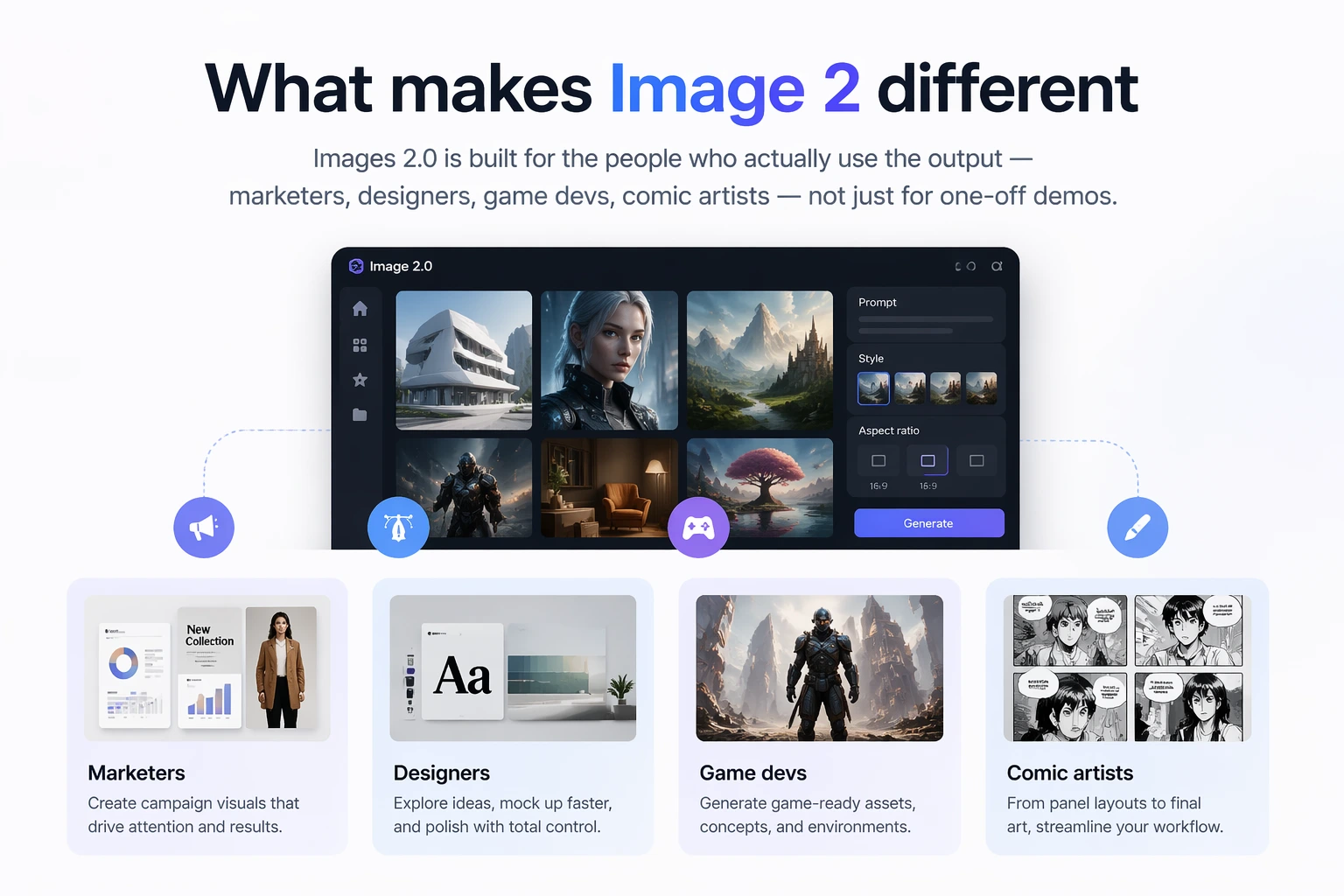
O Omni Flash une raciocínio e criação de vídeo. Ele combina compreensão do mundo, multimodalidade e edição conversacional para que cada mudança pareça intencional, não desconectada.
Crie e ajuste seu vídeo em qualquer etapa com linguagem simples. Peça outra ação, clima, objeto, ângulo de câmera ou efeito sem recomeçar do zero.
Altere estética, ação, ambiente ou efeito visual com base no vídeo de entrada, preservando a lógica da cena.
Use imagem de referência, briefing, clipe de vídeo, pista de áudio ou esboço e transforme tudo em um vídeo coeso.
O Omni Flash usa física, história, ciência, contexto cultural e lógica narrativa para criar cenas fotorealistas e significativas.
Edições criativas criadas com conversa, referências e refinamento coerente em várias etapas.
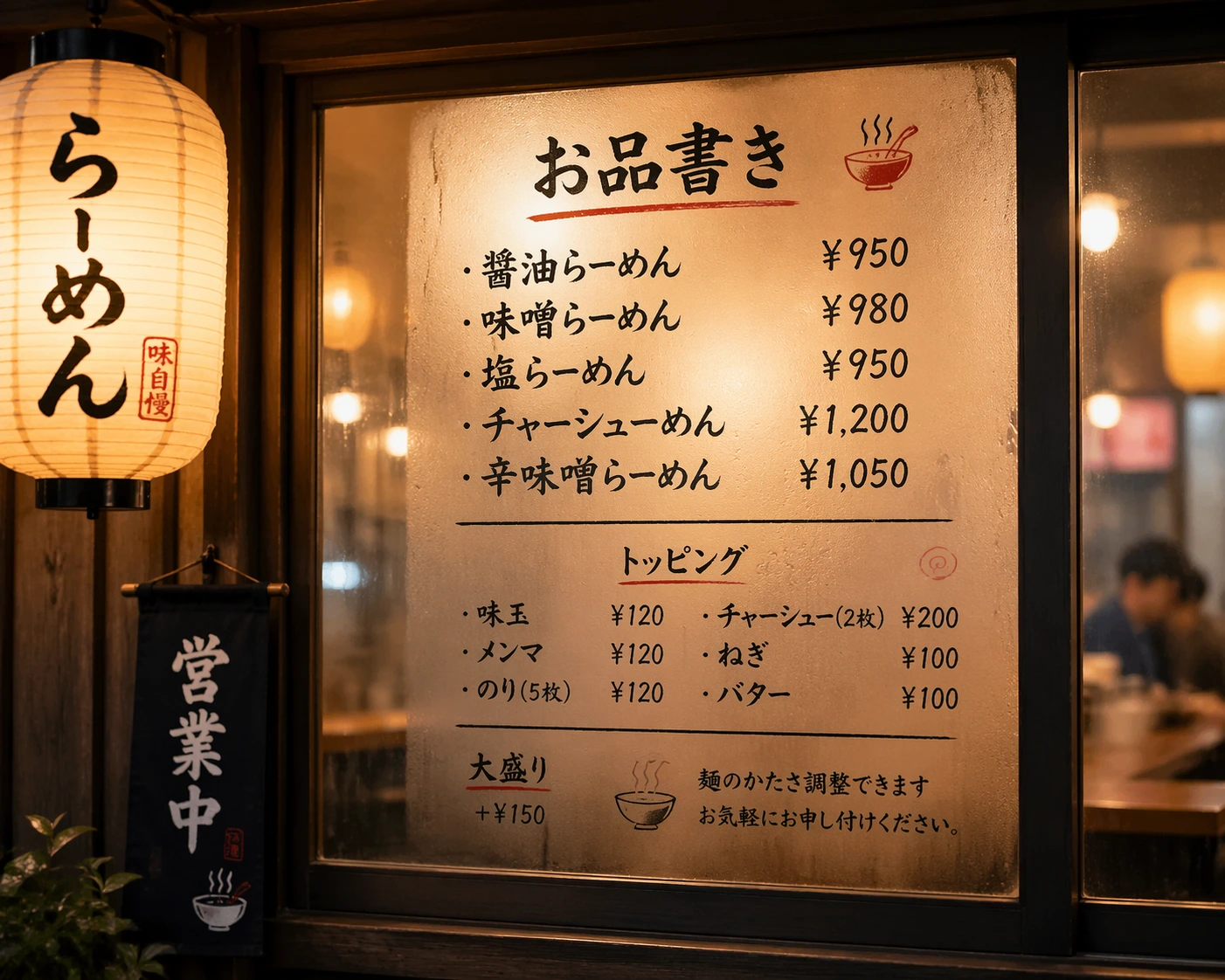
Substitua um sujeito usando uma imagem de referência, mantendo movimento, tempo e diálogo originais.
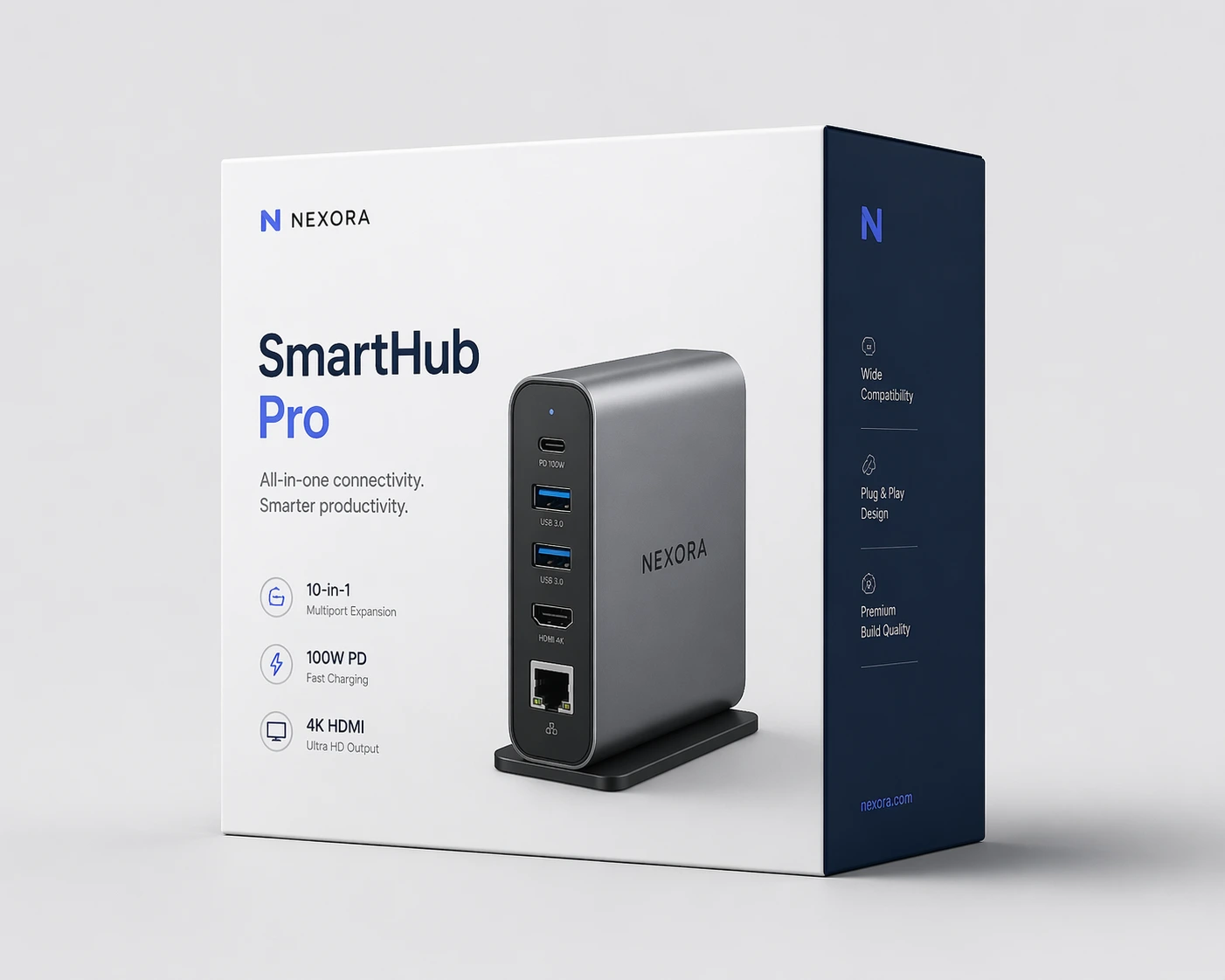
Transforme um desenho simples em uma cena realista e use o esboço para guiar o movimento de cada elemento.
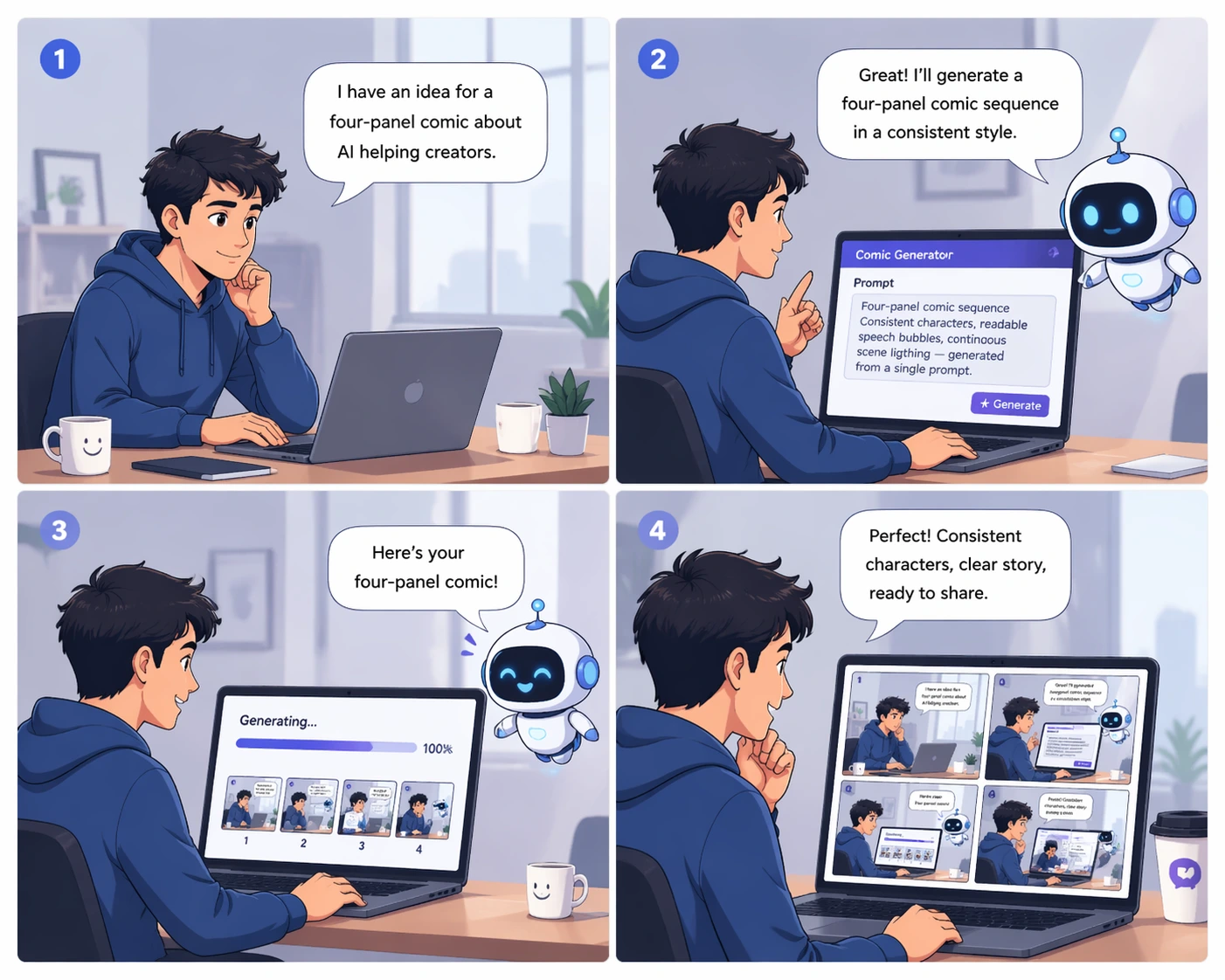
Transforme um momento simples em algo espetacular mantendo a cena coerente.
Aplique uma referência de movimento ou estilo visual de uma imagem ou vídeo a uma nova saída.

Crie vídeos em que o texto renderizado se conecta claramente ao que acontece na cena.

Edite o movimento considerando gravidade, dinâmica dos fluidos, impulso e lógica do mundo real.
Três formas pelas quais o Omni Flash vai além da geração única e entra na edição de vídeo controlável e conversacional.

Construa a cena passo a passo. Altere detalhes, ambientes, personagens, objetos, ângulos de câmera e efeitos mantendo o mundo coerente entre edições.
Substitua personagens e objetos apenas pedindo. Use uma imagem de referência quando necessário, e o Omni Flash mantém movimento, diálogo e continuidade alinhados.
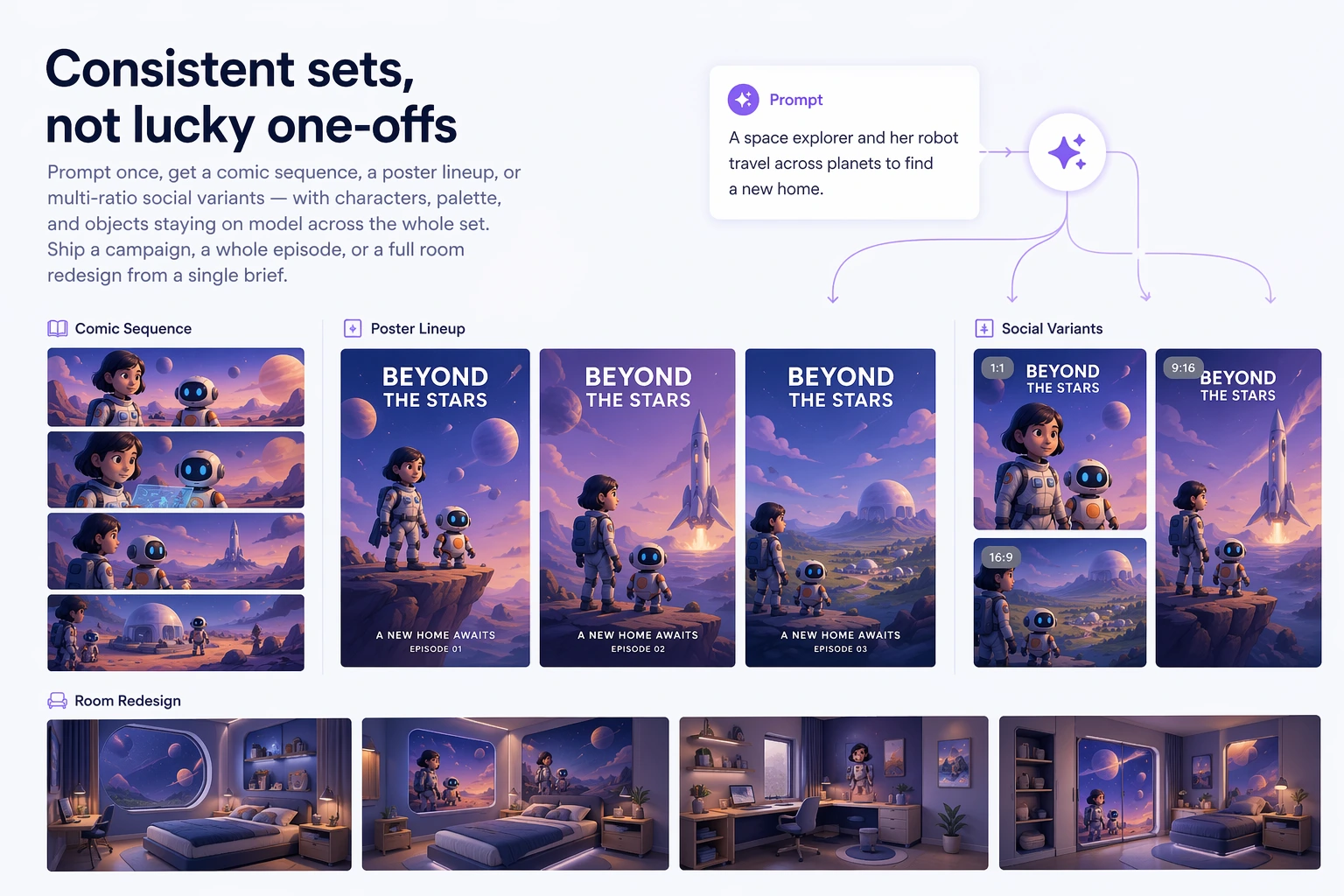
Use imagens, texto, vídeo, áudio, esboços, referências de estilo e pistas de movimento. O Omni Flash combina tudo em uma saída convincente, não em uma colagem desconectada.
O Omni Flash oferece mais controle aos criadores: edições conversacionais, mudanças guiadas por referências, lógica do mundo real e consistência em longas sessões.
Mude o que acontece no vídeo, de ajustes simples a transformações espetaculares, preservando a base da cena.
Use imagens de referência para guiar novos personagens, objetos, visuais e detalhes com mais controle criativo.
O Omni Flash entende gravidade, energia cinética, dinâmica dos fluidos e outras forças para movimentos mais críveis.
Construa histórias em torno de contexto real, de cenários históricos e ideias científicas a lógica narrativa e detalhes culturais.
Não é preciso uma timeline complexa. O Omni Flash permite construir a cena por conversa natural.
Comece com vídeo, imagem, esboço, pista de áudio ou briefing. Adicione referências quando quiser mais controle.
Peça ao Omni Flash para mudar ação, estilo, personagem, objeto, câmera, ambiente, texto ou efeito.
Faça edições seguintes uma etapa por vez. Cada interação se baseia na anterior mantendo a coerência da cena.
Crie um vídeo final polido que combina referências, instruções e detalhes com consciência do mundo.
O Omni Flash se encaixa em fluxos criativos onde edições precisas, referências e consistência de cena importam.
Edite com linguagem natural em vez de timelines complexas, máscaras e camadas manuais.
Use imagens, vídeos, áudio, texto, esboços, estilos e referências de movimento para controlar o vídeo final.
Troque pessoas, adereços, produtos e ambientes mantendo movimento e continuidade visual.
Crie cenas baseadas em física, ciência, história, matemática, cultura e lógica narrativa.
Criadores iniciais usando Omni Flash para edições guiadas por referência e refinamento em várias interações.
Posso pedir uma mudança, depois outra, e a cena ainda parece o mesmo vídeo. Essa é a diferença.
As trocas de personagem finalmente mantêm movimento e tempo originais. Parece edição por conversa, não reconstrução.
Usamos um esboço, uma imagem de referência e um prompt curto. O Omni Flash transformou tudo em uma cena coerente.
O movimento com consciência física importa. Água, gravidade, impacto e câmera parecem conectados.
Transferência de estilo e referências de movimento facilitam manter vídeos de marca consistentes.
A melhor parte é não recomeçar. Cada prompt se apoia na edição anterior.
Perguntas comuns sobre Omni Flash, edição conversacional, referências e consistência de vídeo.
Omni Flash é um editor de vídeo com IA para conversa natural passo a passo. Você descreve edições em linguagem simples, adiciona referências quando necessário e refina em várias interações.
O Omni Flash foca em edição controlável, não em saída única. Cada edição se baseia na anterior, ajudando a manter personagens, objetos, movimento e cena consistentes.
Sim. Você pode usar imagens, texto, vídeo, áudio, movimento, estilo ou esboços como referência e combiná-los em uma saída coesa.
Sim. O Omni Flash pode substituir personagens e objetos por linguagem natural; imagens de referência guiam o novo visual preservando movimento e continuidade do diálogo.
O Omni Flash foi projetado para basear edições na lógica real, incluindo gravidade, energia cinética, dinâmica dos fluidos, história, ciência, matemática, contexto cultural e estrutura narrativa.
Você pode começar grátis com créditos diários. Planos pagos liberam maior volume e fluxos criativos ampliados para projetos maiores.
Transforme qualquer referência, prompt ou vídeo fonte em uma edição coerente por conversa natural.