
01
자연스러운 대화로 편집
어떤 단계에서든 쉬운 말로 동영상을 만들고 미세 조정하세요. 처음부터 다시 시작하지 않고 다른 동작, 분위기, 오브젝트, 카메라 각도, 효과를 요청할 수 있습니다.
로그인하고 무료 크레딧 100개를 받아 Omni Flash 편집을 시작하세요
Omni Flash는 프롬프트, 레퍼런스, 이미지, 동영상, 오디오를 여러 차례의 대화 속에서 자연스럽게 이어지는 일관된 동영상 편집으로 바꿉니다.
동작, 스타일, 캐릭터, 카메라, 환경을 단계별로 다듬기
이미지, 텍스트, 동영상, 오디오, 스케치, 모션, 스타일 입력으로 편집을 안내
특정 오브젝트, 동작, 효과를 바꾸면서도 장면의 일관성 유지
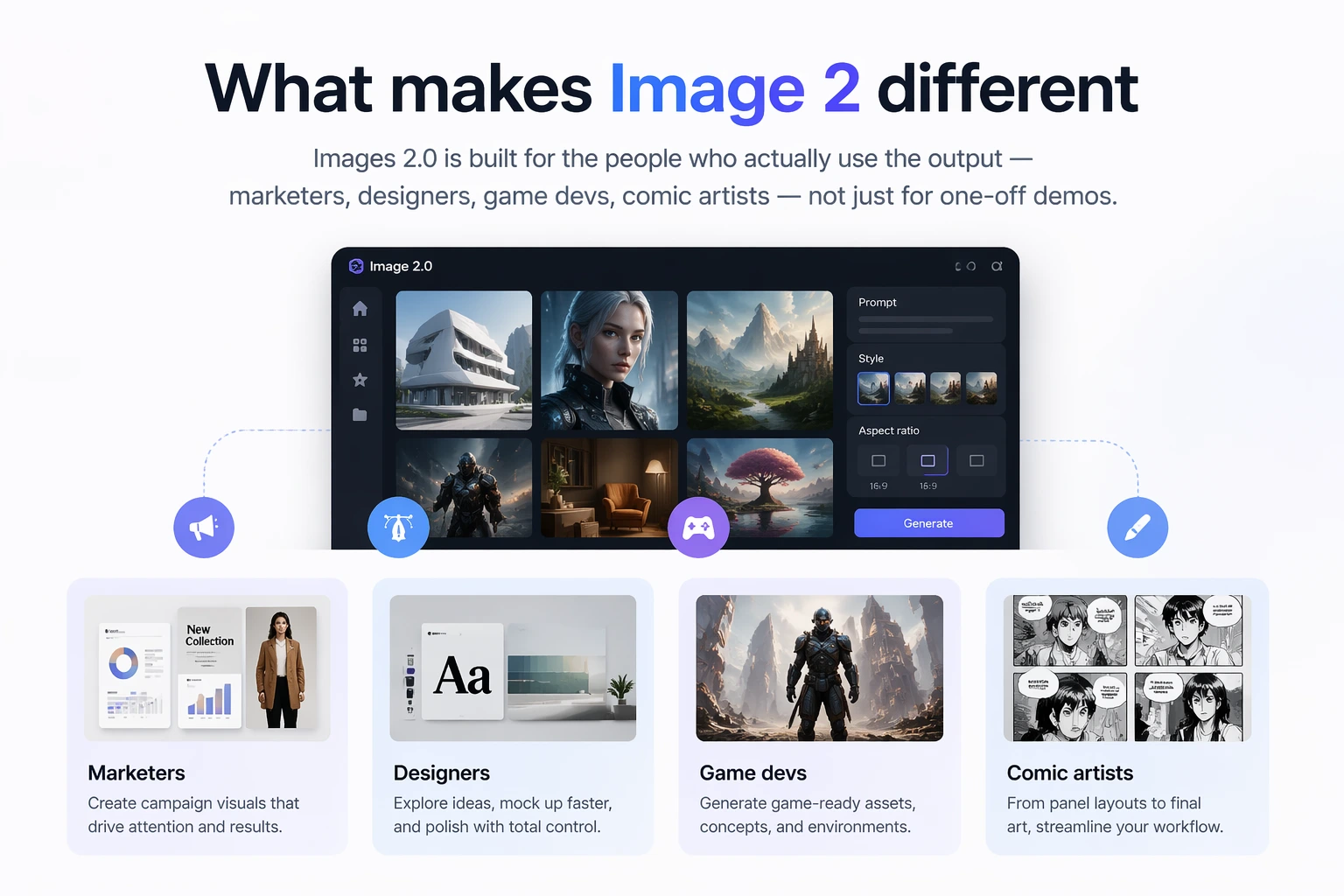
Omni Flash는 추론과 동영상 제작이 만나는 곳입니다. 세계 이해, 멀티모달 입력, 대화형 편집을 결합해 각 변경이 분리되지 않고 의도적으로 느껴지게 합니다.
어떤 단계에서든 쉬운 말로 동영상을 만들고 미세 조정하세요. 처음부터 다시 시작하지 않고 다른 동작, 분위기, 오브젝트, 카메라 각도, 효과를 요청할 수 있습니다.
입력 동영상의 기본 장면 논리는 유지하면서 미감, 동작, 환경, 시각 효과를 변경하세요.
레퍼런스 이미지, 텍스트 브리프, 동영상 클립, 오디오 큐, 스케치를 사용해 하나의 응집력 있는 동영상 결과로 만드세요.
Omni Flash는 물리, 역사, 과학, 문화적 맥락, 서사 논리를 활용해 사실적이면서도 의미 있는 장면을 만듭니다.
대화, 레퍼런스, 일관된 다단계 다듬기로 만든 창의적인 동영상 편집입니다.
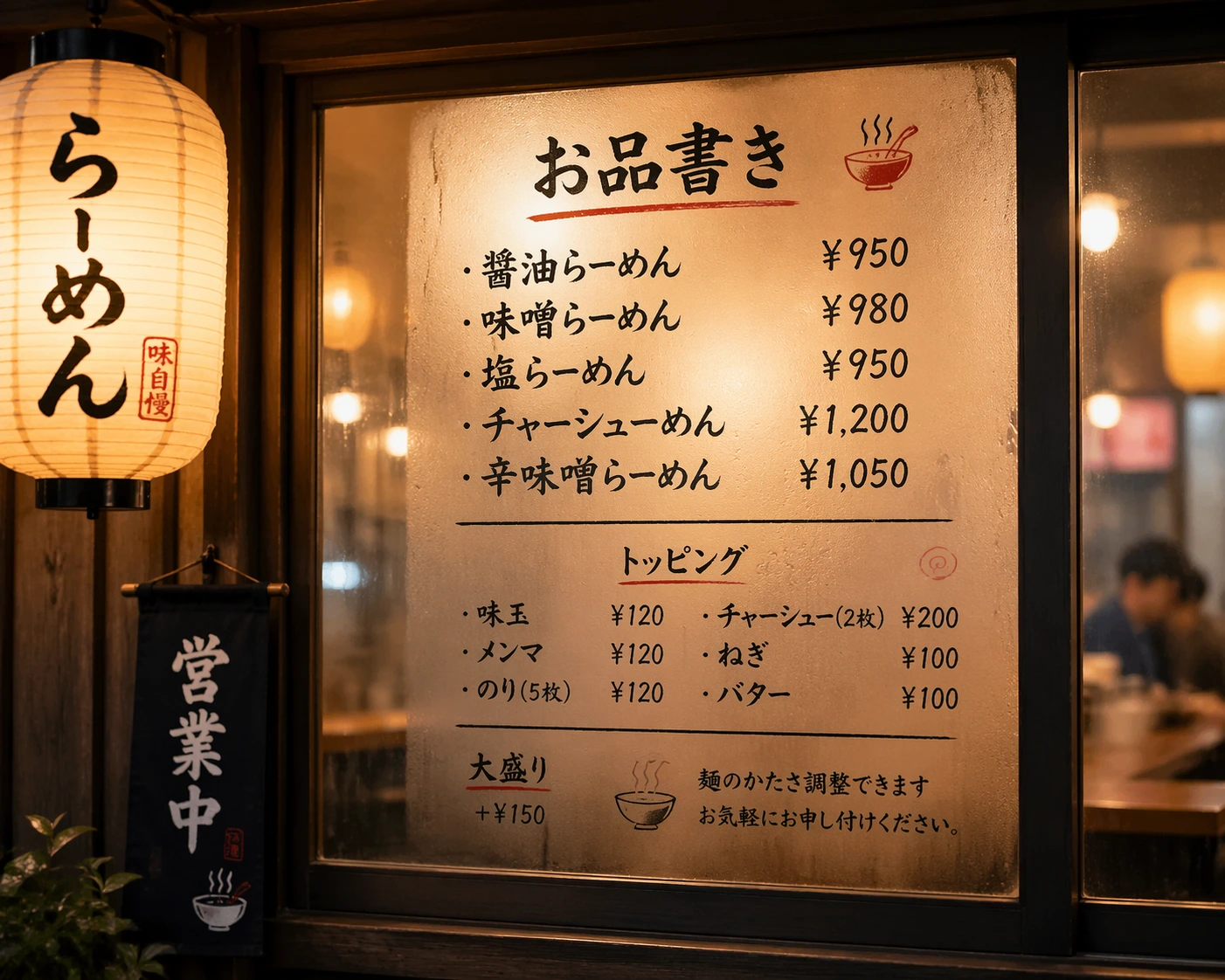
레퍼런스 이미지를 사용해 피사체를 교체하면서 원본 모션, 타이밍, 대사를 맞춥니다.
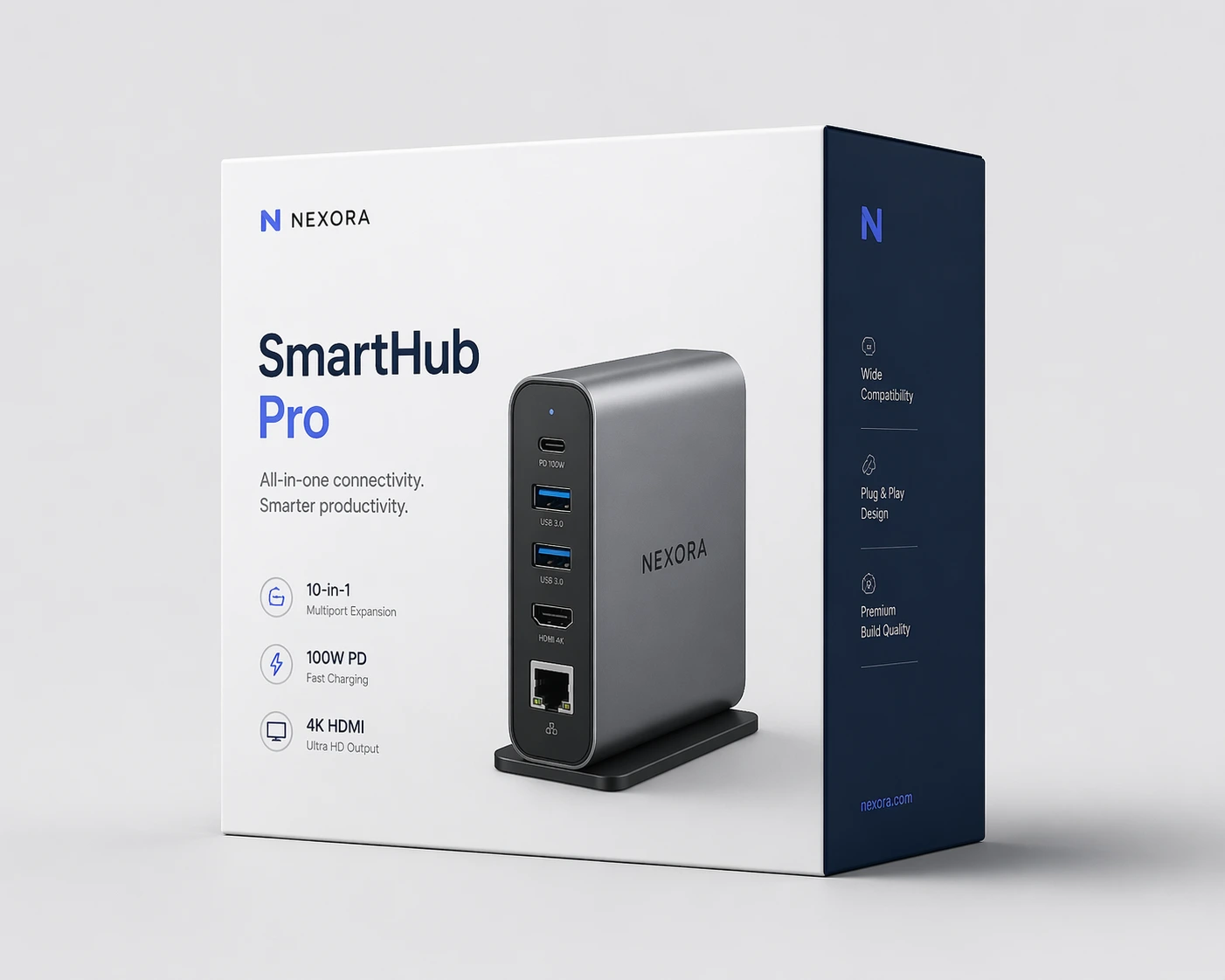
러프한 그림을 사실적인 장면으로 바꾸고 스케치로 각 요소의 움직임을 안내하세요.
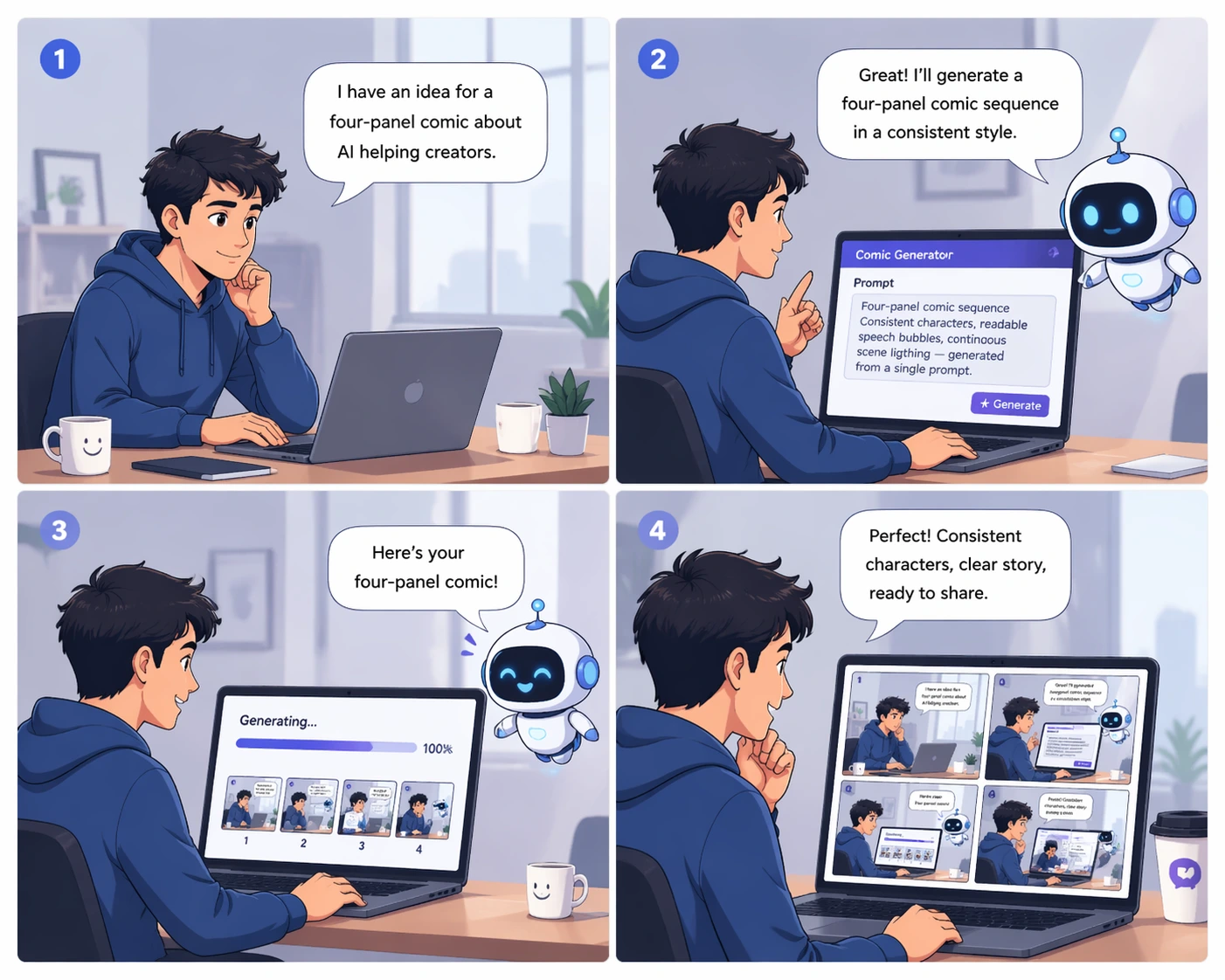
장면의 일관성을 유지하면서 단순한 순간을 인상적인 장면으로 바꾸세요.
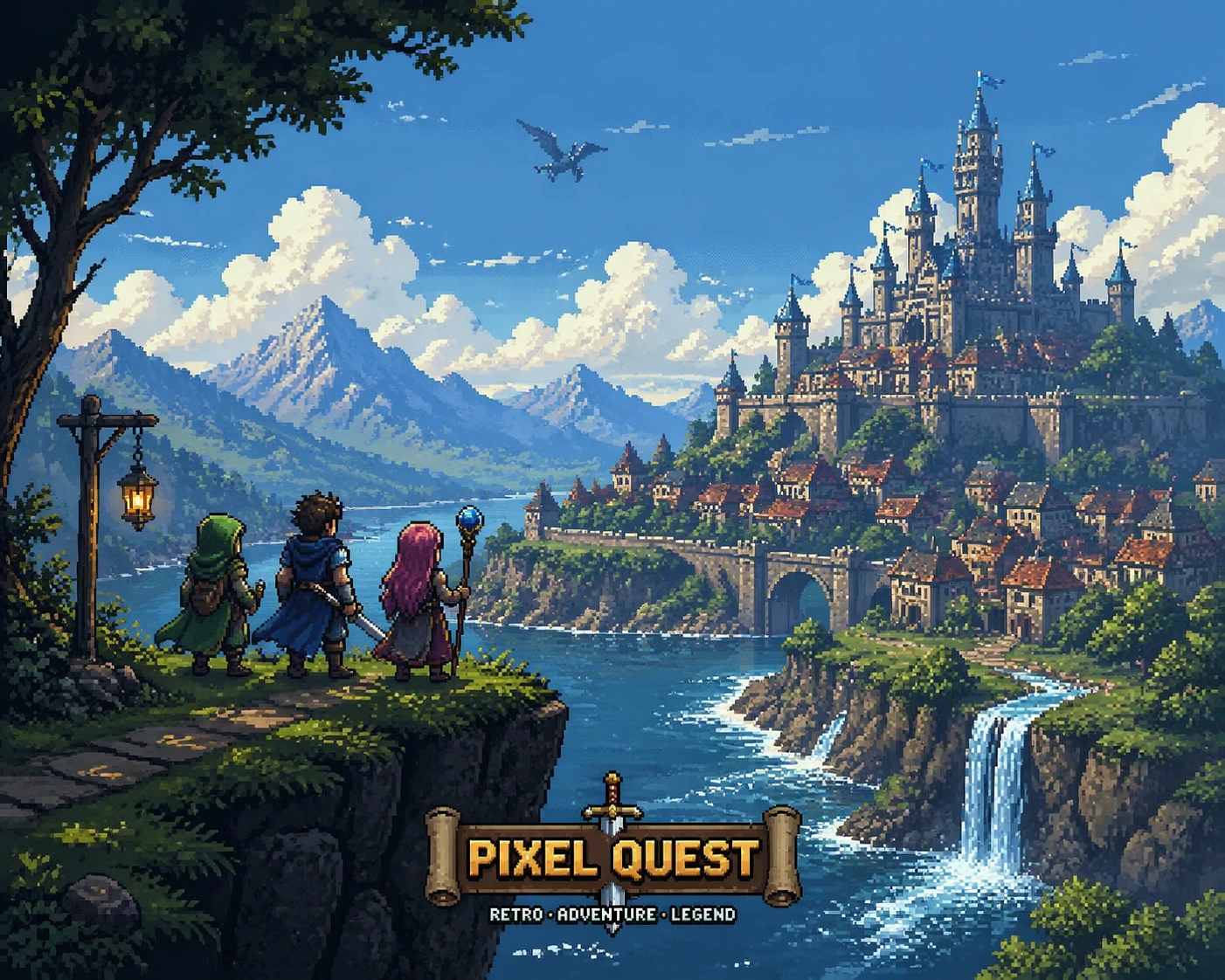
이미지나 동영상의 모션 또는 시각 스타일 레퍼런스를 새 결과물에 적용하세요.
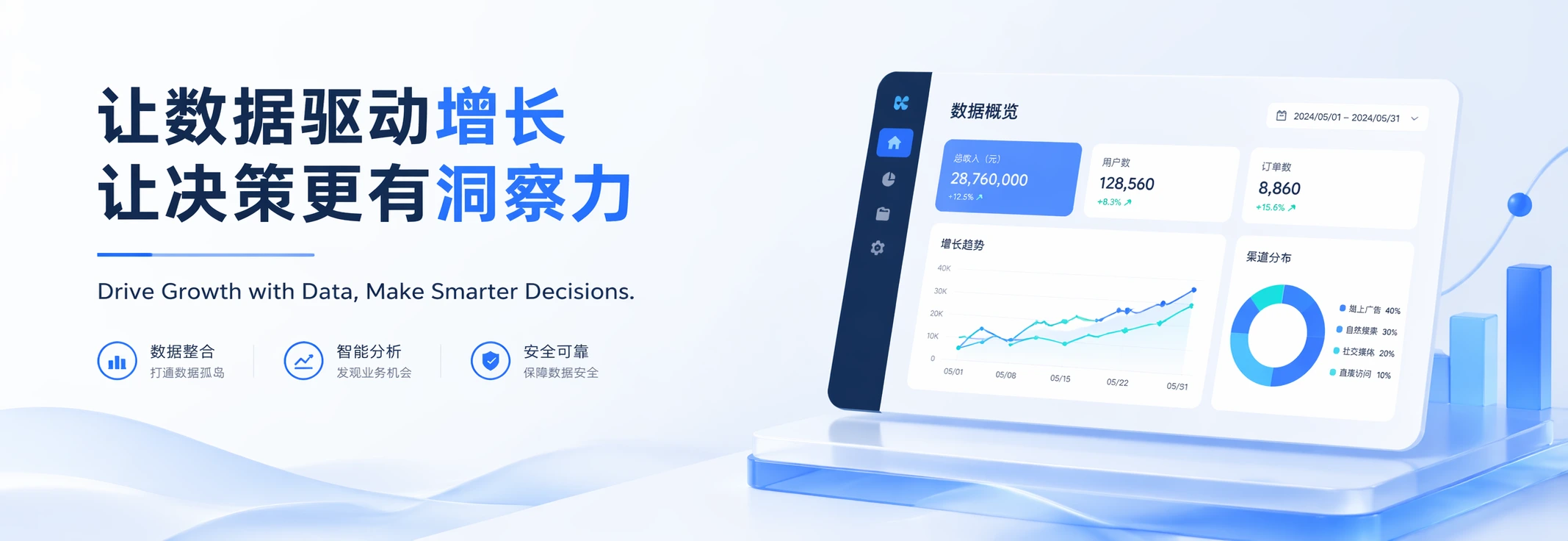
렌더링된 텍스트가 장면에서 일어나는 일과 명확하게 연결되는 동영상을 만드세요.

중력, 유체 역학, 운동량, 현실 세계 논리를 고려해 움직임을 편집하세요.
Omni Flash가 단발성 생성을 넘어 제어 가능한 대화형 동영상 편집으로 나아가는 세 가지 방식입니다.
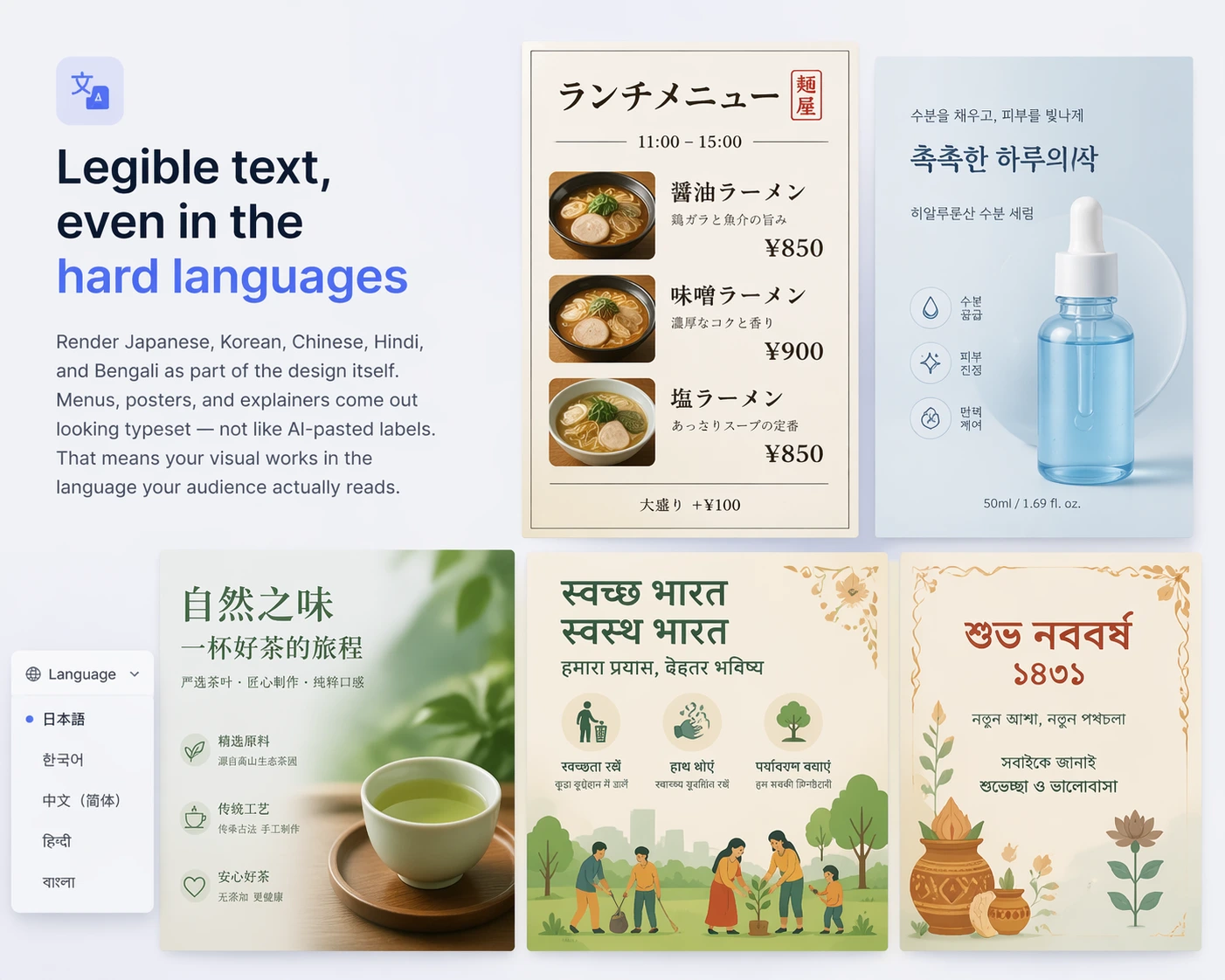
장면을 단계별로 구성하세요. 세부 요소, 환경, 캐릭터, 오브젝트, 카메라 각도, 효과를 바꾸면서도 편집 간 세계의 일관성을 유지합니다.
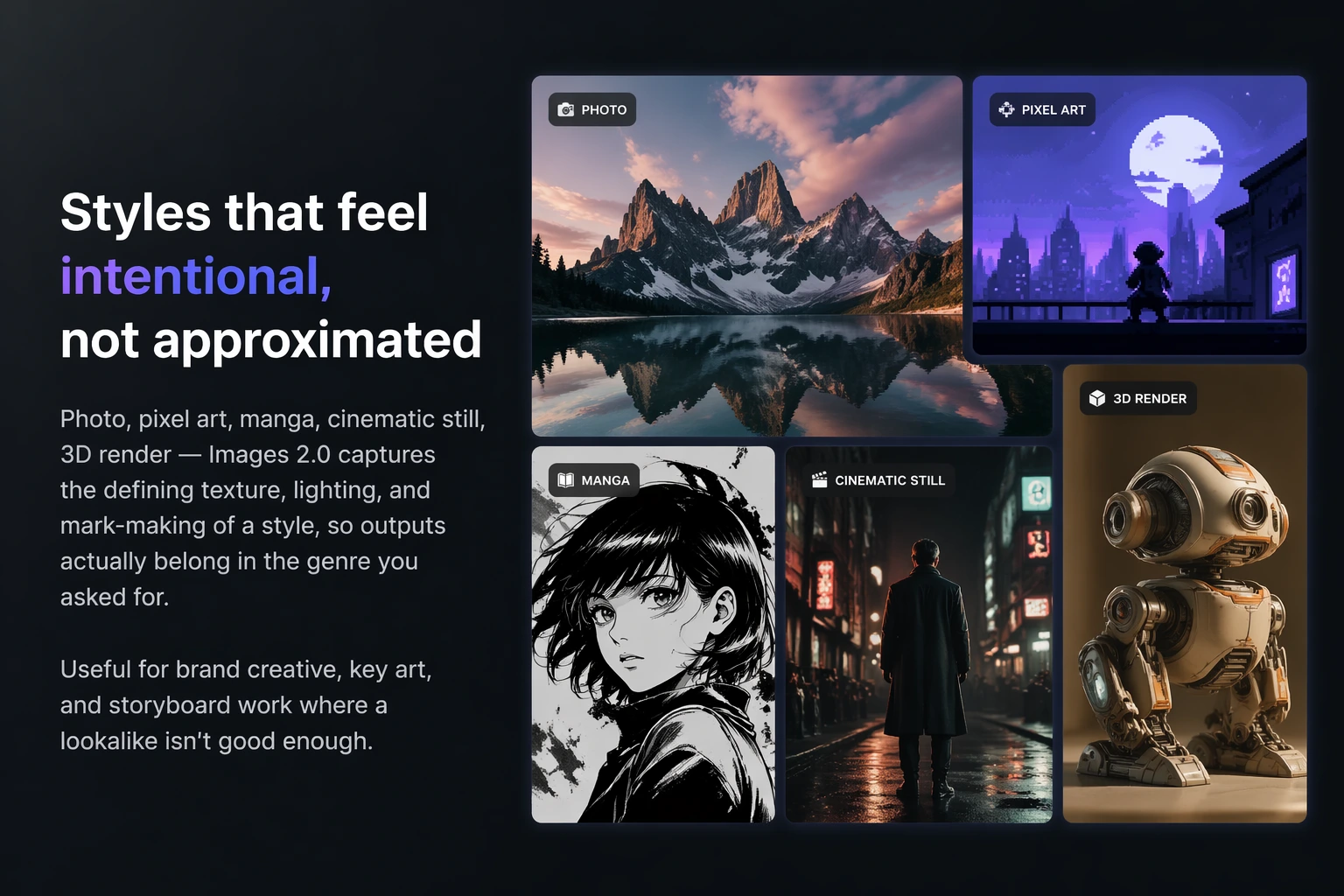
요청만으로 캐릭터와 오브젝트를 교체하세요. 필요하면 레퍼런스 이미지를 사용하고, Omni Flash가 모션, 대사, 장면 연속성을 맞춥니다.
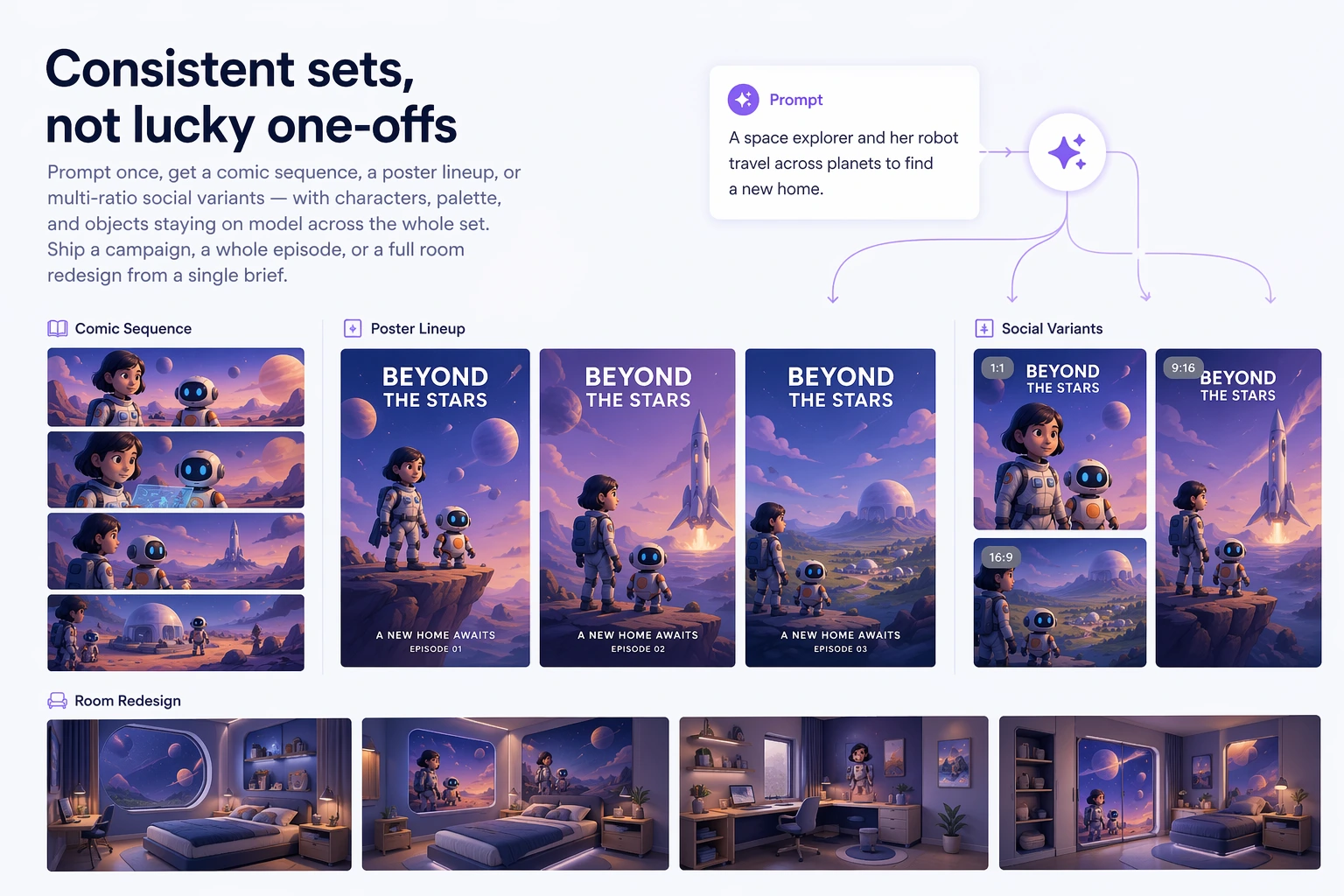
이미지, 텍스트, 동영상, 오디오, 스케치, 스타일 레퍼런스, 모션 큐를 함께 입력하세요. Omni Flash는 단절된 콜라주가 아니라 하나의 설득력 있는 결과로 결합합니다.
Omni Flash는 동영상 크리에이터에게 더 많은 제어를 제공합니다. 대화형 편집, 레퍼런스 기반 변경, 현실 세계 논리, 긴 다듬기 세션에서도 유지되는 일관성입니다.
장면의 기반을 유지하면서 단순한 조정부터 극적인 변환까지 동영상에서 일어나는 일을 바꾸세요.
레퍼런스 이미지로 새 캐릭터, 오브젝트, 외형, 세부 사항을 안내해 더 강한 창작 제어를 얻으세요.
Omni Flash는 중력, 운동 에너지, 유체 역학 등 여러 힘을 이해해 더 믿을 수 있는 움직임을 만듭니다.
역사적 배경과 과학적 아이디어부터 서사 논리와 문화적 디테일까지 현실 세계 맥락을 중심으로 이야기를 만드세요.
복잡한 편집 타임라인이 필요 없습니다. Omni Flash는 자연스러운 대화로 장면을 만들 수 있게 합니다.
동영상, 이미지, 스케치, 오디오 큐, 텍스트 브리프로 시작하세요. 더 정밀한 제어가 필요하면 레퍼런스를 추가하세요.
Omni Flash에 동작, 스타일, 캐릭터, 오브젝트, 카메라, 환경, 텍스트, 효과 변경을 요청하세요.
후속 편집을 한 단계씩 진행하세요. 각 턴은 이전 편집을 기반으로 하면서 장면의 일관성을 유지합니다.
레퍼런스, 지시, 세계 이해 기반 디테일을 결합한 완성도 높은 동영상 결과를 만드세요.
Omni Flash는 정밀한 동영상 편집, 레퍼런스, 장면 일관성이 중요한 창작 워크플로에 적합합니다.
복잡한 타임라인, 마스크, 수동 레이어 작업 대신 자연어로 편집하세요.
이미지, 동영상, 오디오, 텍스트, 스케치, 스타일, 모션 레퍼런스로 최종 동영상을 제어하세요.
모션과 시각적 연속성을 유지하면서 사람, 소품, 제품, 환경을 교체하세요.
물리, 과학, 역사, 수학, 문화, 서사 논리에 기반한 장면을 만드세요.
초기 크리에이터들은 레퍼런스 기반 동영상 편집과 멀티턴 다듬기에 Omni Flash를 사용하고 있습니다.
한 가지 변경을 요청하고 또 다른 변경을 요청해도 장면은 여전히 같은 동영상처럼 느껴집니다. 그게 차이입니다.
캐릭터 교체가 드디어 원래 모션과 타이밍을 유지합니다. 모든 것을 다시 만드는 것이 아니라 대화로 편집하는 느낌입니다.
스케치, 레퍼런스 이미지, 짧은 프롬프트를 사용했습니다. Omni Flash는 그것들을 하나의 일관된 장면으로 바꿨습니다.
물리를 고려한 움직임이 중요합니다. 물, 중력, 충격, 카메라 움직임이 모두 연결된 것처럼 느껴집니다.
스타일 전이와 모션 레퍼런스 덕분에 브랜드 영상을 일관되게 유지하기 훨씬 쉽습니다.
가장 좋은 점은 다시 시작하지 않아도 된다는 것입니다. 각 프롬프트는 이전 편집 위에 쌓입니다.
Omni Flash, 대화형 편집, 레퍼런스, 동영상 일관성에 대한 일반적인 질문입니다.
Omni Flash는 자연스러운 단계별 대화를 위한 AI 동영상 편집기입니다. 쉬운 말로 편집을 설명하고 필요하면 레퍼런스를 추가하며 여러 턴에 걸쳐 동영상을 다듬을 수 있습니다.
Omni Flash는 단발성 출력보다 제어 가능한 편집에 집중합니다. 각 편집은 이전 편집을 기반으로 하며 캐릭터, 오브젝트, 모션, 장면 일관성을 유지하는 데 도움을 줍니다.
네. 이미지, 텍스트, 동영상, 오디오, 모션, 스타일, 스케치를 레퍼런스로 사용하고 하나의 응집력 있는 동영상 결과로 결합할 수 있습니다.
네. Omni Flash는 자연어로 캐릭터와 오브젝트를 교체할 수 있으며, 레퍼런스 이미지는 모션과 대사 연속성을 유지하면서 새 외형을 안내할 수 있습니다.
Omni Flash는 중력, 운동 에너지, 유체 역학, 역사, 과학, 수학, 문화적 맥락, 서사 구조 등 현실 세계 논리에 기반해 편집하도록 설계되었습니다.
일일 크레딧으로 무료 편집을 시작할 수 있습니다. 유료 플랜은 더 큰 동영상 프로젝트를 위한 더 많은 사용량과 확장된 창작 워크플로를 제공합니다.